alienize
Alienize Wallet: Best Wallet to Store, Send & Use Alienize (2026 Guide)
Download the best Alienize wallet to store, send, and use Alienize. Learn how to create a Alienize wallet, access DApps, and manage your Alienize securely.
FAQ
Questions, answered.
Is Alienize wallet safe?
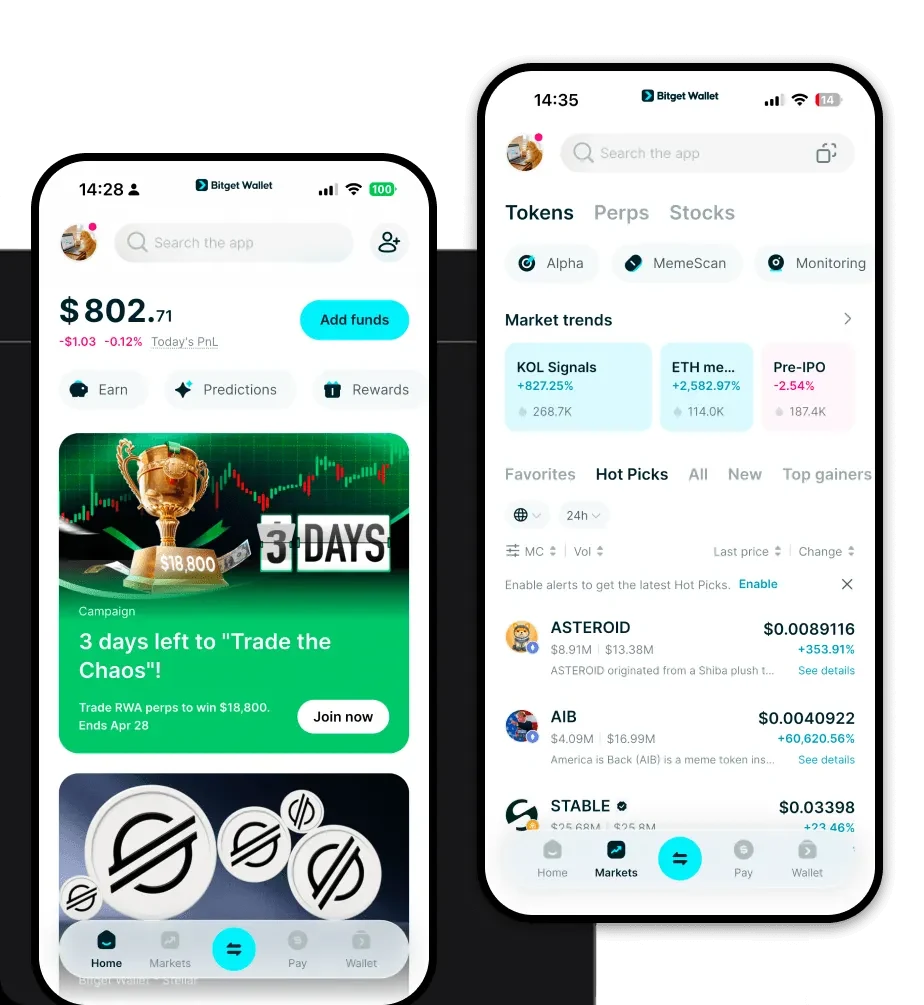
Yes, it is highly secure. When you use Bitget Wallet, you maintain full control over your private keys and seed phrase, meaning your assets are non-custodial. Additionally, Bitget provides a 300 million USD user protection fund to safeguard users against unforeseen security risks, making it an excellent choice for holding Alienize.
How to get an Alienize wallet address?
To get your Alienize wallet address, simply open your Bitget Wallet app, click on the 'Receive' button, and select the Ethereum or compatible EVM network. You will see a string of alphanumeric characters—this is your wallet address. You can copy this address to receive Alienize tokens from exchanges or other wallets.
Can I store Alienize on Bitget Wallet?
Yes, you can absolutely store Alienize on Bitget Wallet. The wallet supports the EVM ecosystem, allowing you to easily add the Alienize token contract address. Once added, your tokens will appear in your main dashboard, where you can monitor their value, send them to others, or trade them on decentralized exchanges.